Sharing Reports Outside of Testersuite
Users with the roles of Administrator, Master List Administrator, or Test Coordinator can share reports with stakeholders outside of Testersuite. These stakeholders can then view a snapshot of a report using the “share” feature available in every report.
Here's how it works:

- Click the "Share Report" button within a report.
- Select who you want to share the report with, or enter the email address of someone who doesn't have Testersuite . You can also add a message.
- The recipient will receive an email containing a link to the report. The report can be opened without having to log in to Testersuite:
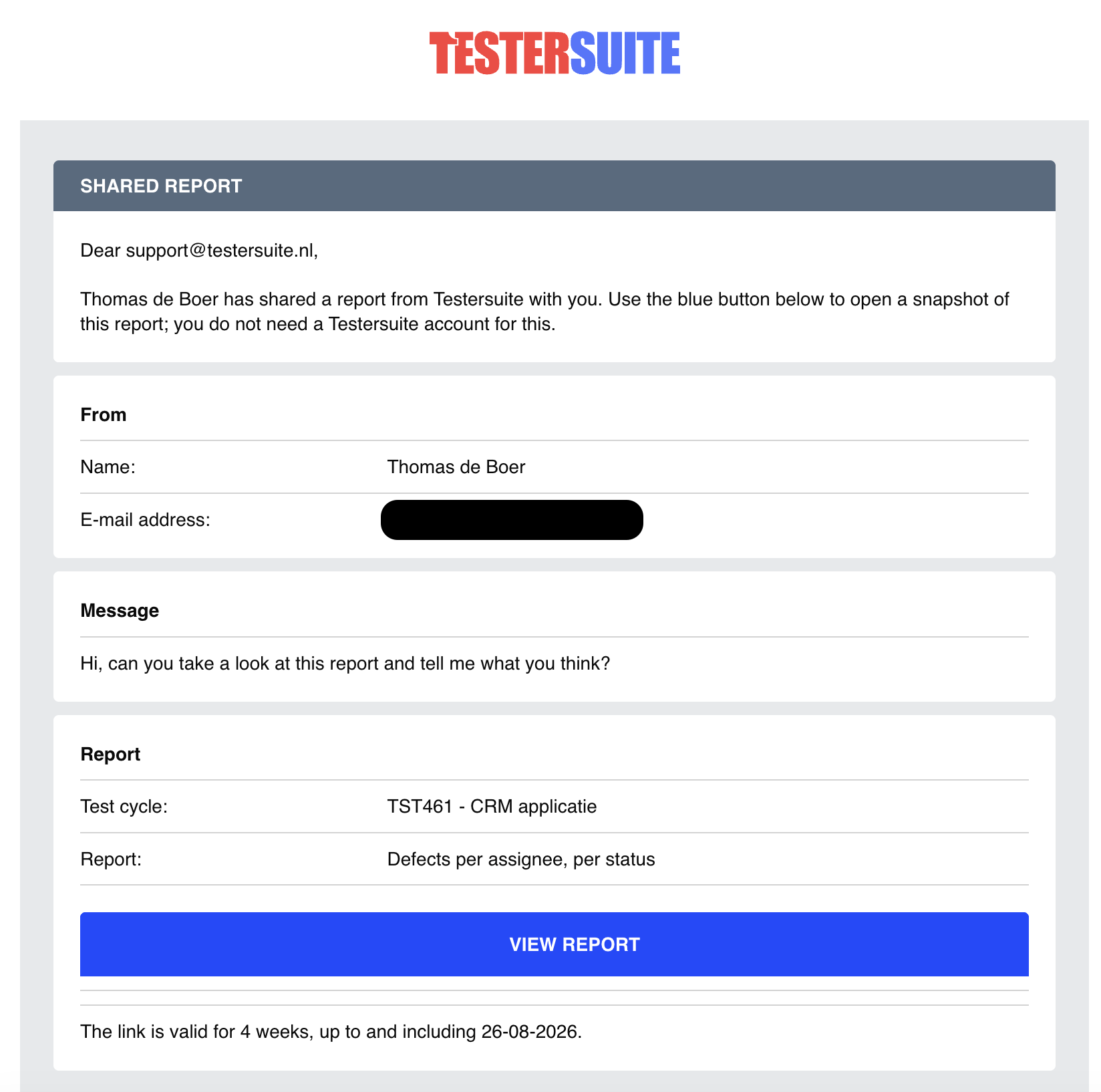
The blue button takes you to a page where you can view the report as it appears at the time of sharing (including any filters that may have been applied). The link in the email is valid for 4 weeks.
Sharing Reports in Testersuite
Users with the roles of Administrator, Master List Administrator, or Test Coordinator can also make reports they have created available to other Testersuite . This can be configured in the " Share Report " field in a report’s settings.
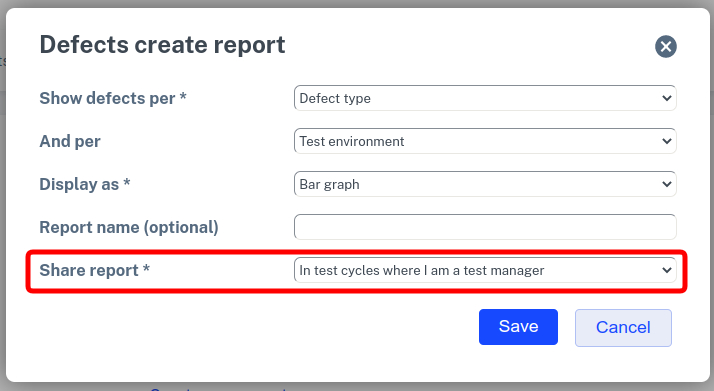
The following options are available in this field:
No
When a report is not shared it is only viewable by the creator of the report.
In the current Test cycle
When this option is selected, anyone in the Test cycle in which the report was created can view it.
In Test cycles where I am test manager
When a user shares a report in this way then the report is offered as a standard report in all Test cycles where this user is test manager. In the details of a Test cycle the test manager of the Test cycle can be entered.
In all Test cycles
Users with the role Administrator also have the ability to make reports available in all Test cycles. So not just the Test cycles where they themselves are test managers.
For shared reports, users can see who shared the report.