If you have an active SSO configuration, it is possible to force login via SSO. You do this by checking the 'Disable login screen' option in the SALM SSO settings in the administrator portal:

Turning this option on has the effect of changing the login screen. This will allow users to log in only through a correctly set SSO configuration:
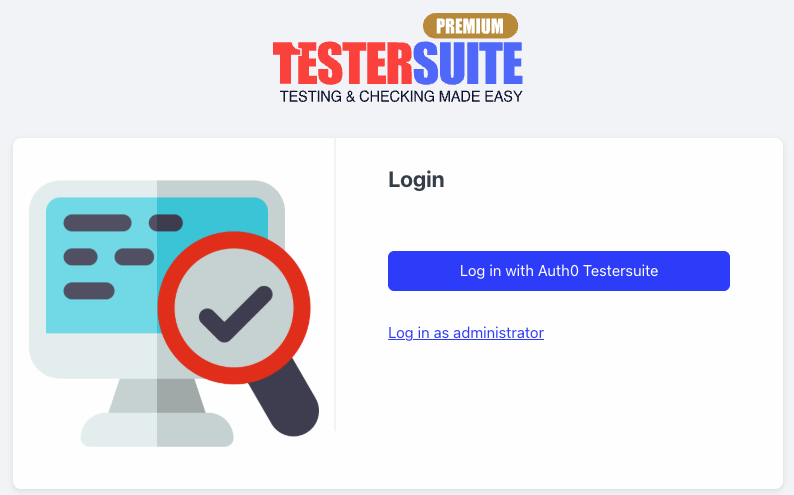
Users with administrator privileges can still log in with their Testersuite username and password via the 'Login as administrator' link. This allows any problems in an SSO configuration to be resolved at any time.
NOTE: When this setting is enabled, it is no longer possible to email users their Testersuite . This is because the Testersuite and password are no longer relevant for users to log in. An exception is made for users with administrator rights.